An offline map is a backup for navigation, not a complete copy of everything a connected map can do. Downloading it before departure helps only if it covers the route and you understand which features will remain available.
Choose the area around the whole journey, including the return and any realistic alternative. A small download centred on the attraction may leave the approach road outside its boundary. Check the file while you still have a reliable connection and enough storage.
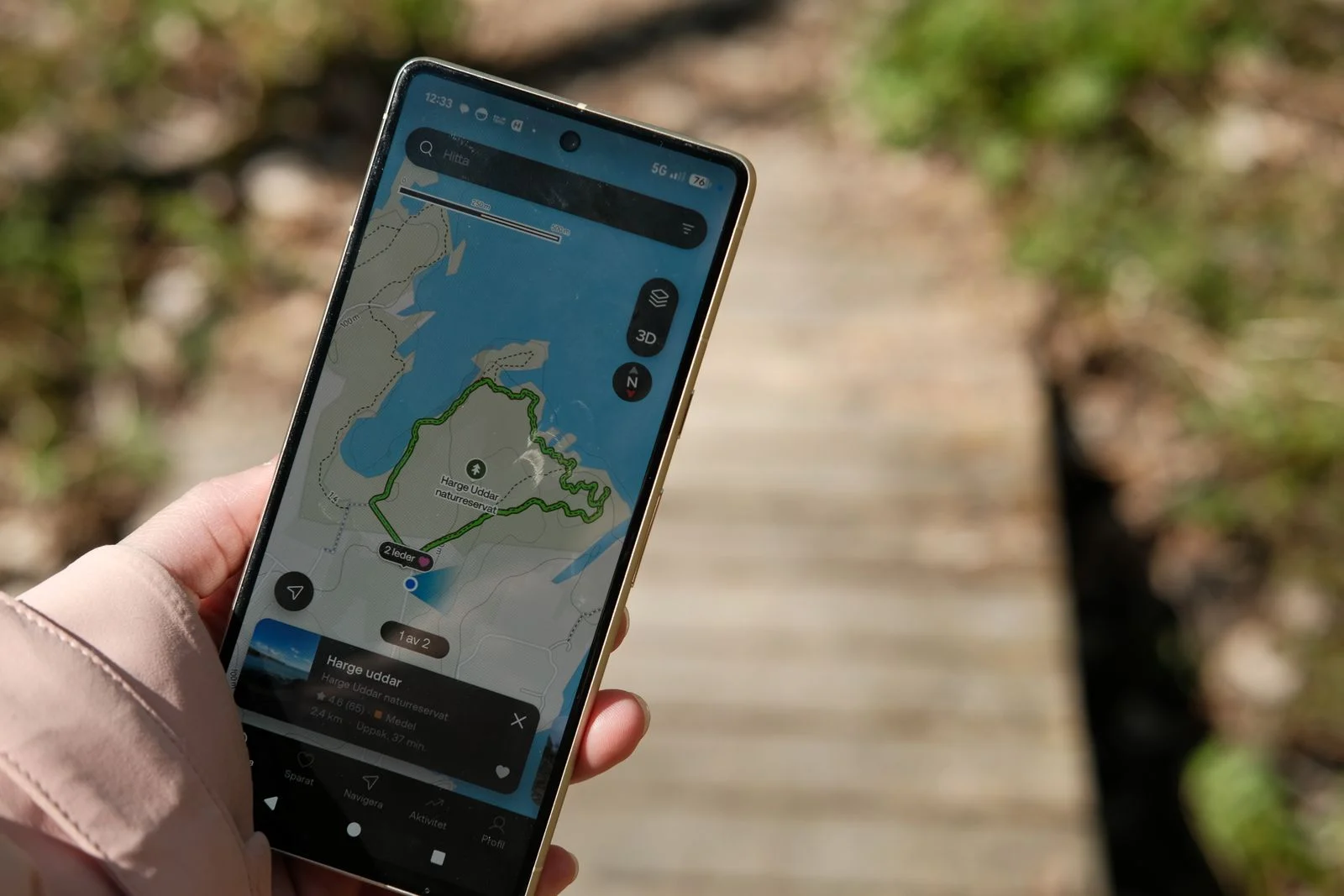
Check the last approach separately
The final approach often deserves a separate note. A map may lead to the centre of a large attraction rather than its visitor entrance, or it may place the pin on the wrong side of a boundary. Confirm the entrance through the venue's own instructions and save that detail with the address.
For a walking section, record a few recognisable junctions or landmarks if they will be useful. Keep the note simple enough to read outdoors. A page of turn-by-turn text can be difficult to follow while managing bags or keeping a group together.
If several people navigate, agree who is leading the current section. Conflicting directions from different map settings can create unnecessary detours. Compare the route before moving, then reassess together when signs or conditions differ. The downloaded map works best as shared information, not as a reason to keep walking while debating which screen is correct.
Test the part you need
Open the saved map without relying on mobile data and make sure you can see the destination and surrounding roads. Check that the map is current enough for use and that the download has completed rather than merely entered a queue.
Google Maps explains that offline use has limits: walking, cycling and public transport directions are unavailable offline, and offline driving lacks live traffic and alternative-route information. Other products have their own capabilities, so verify the tool you actually use.
If your outing depends on a bus connection or walking directions, save the relevant details separately. Stop names, the direction of travel and a written route note can remain useful even when the map cannot calculate a journey.
Keep an address outside the map
Write the destination and meeting point in a form you can show or read aloud. A pin alone can be difficult to explain to someone helping you, especially when several entrances belong to the same site.
Do not let the downloaded map override current signs, closures or instructions. Roads and access arrangements can change after a map was saved. If the suggested route is unsuitable, stop in an appropriate place and reassess rather than following it automatically.
Remember that offline still requires a working device. Manage battery use and keep essential information available in another form when the journey warrants it. The best backup combines a usable map with a clear understanding of the route, instead of asking one app to resolve every uncertainty during the day.